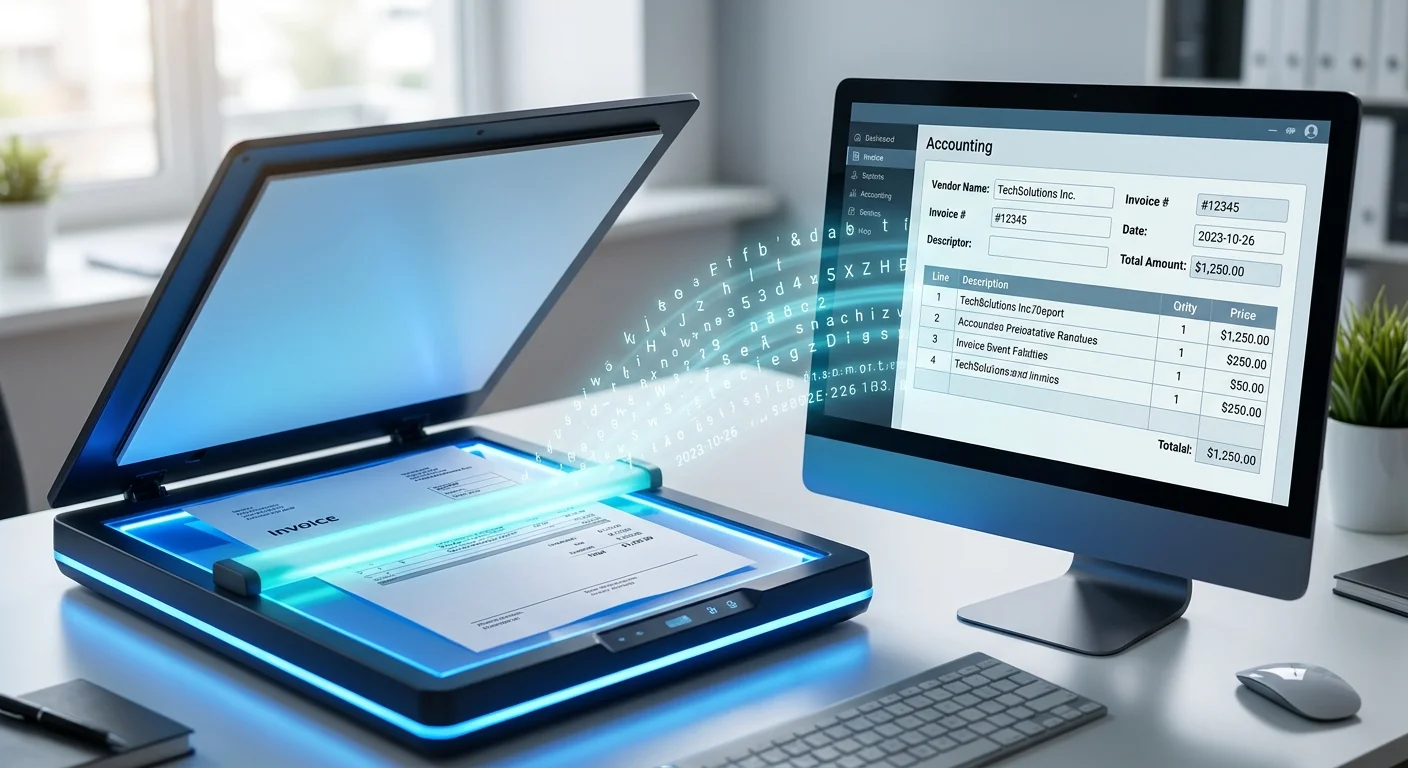
Not every small business needs to spend money on invoice OCR software — at least not right away. Several tools offer genuinely useful free tiers, while others offer “free trials” that expire in 14 days and push you toward a paid plan. This guide tells you which is which, what you actually get for free, and where each tool’s limits will start to bite.
The difference between a free tier and a free trial
Before diving in: these are very different things.
A free tier is a permanent level of the product that remains free indefinitely, usually with usage limits. You don’t need a credit card, and you won’t suddenly lose access after two weeks.
A free trial is temporary access to a paid product. After the trial ends, you either pay or lose access. Most trial periods are 14–30 days.
This guide focuses on tools with genuine free tiers — tools you can use for months without paying, at low volumes. Tools that only offer free trials are noted but not ranked in the main list.
1. Nanonets — best free tier OCR software overall
Nanonets’ free tier lets you process up to 500 pages per month at no cost, which is enough for a small business processing up to 500 simple invoices or around 100–200 multi-page documents monthly.
The free tier includes the same AI-powered extraction as the paid tier — vendor name, invoice number, date, line items, tax, and total — plus connections to QuickBooks, Xero, and other integrations via Zapier.
What you get free:
- Up to 500 pages/month
- Full field extraction (vendor, date, line items, totals)
- Zapier integration for connecting to accounting software
- Email-based document submission
Where the limits kick in:
- The 500 page/month limit means roughly 250 two-page invoices — enough for many small businesses but not high-volume AP operations
- Custom extraction models (for unusual invoice layouts) require a paid plan
- Direct native integrations with QuickBooks and Xero (without Zapier) require a paid plan
Best for: Small businesses processing under 250 invoices/month who are comfortable using Zapier as the bridge to their accounting software.
Pricing: Free up to 500 pages/month; paid plans from roughly $99/month
2. Mindee — best free tier OCR software for developers
Mindee’s free tier is generous for developer use: 250 API calls per month for their Invoice OCR endpoint at no cost. No credit card required.
The trade-off is that Mindee is an API — to use it, you either need development skills to build something on top of it, or a no-code connector. It doesn’t come with a user-facing dashboard for reviewing and correcting extracted fields.
What you get free:
- 250 invoice API calls/month
- Full field extraction (all standard invoice fields)
- Good documentation and quickstart guides
Where the limits kick in:
- 250 calls is low — a business processing 300 invoices/month outgrows it immediately
- No built-in workflow or accounting software integration — you build your own
Best for: Developers building a custom invoice processing workflow who want a free, reliable OCR API to start with.
Pricing: 250 API calls/month free; pay-per-use above that, roughly $0.10–$0.15/call
3. Klippa DocHorizon — best free tier OCR software with fraud detection
Klippa’s free tier includes document OCR software processing with their standard invoice model, plus a feature most tools don’t offer at any price: basic duplicate detection and fraud flagging.
What you get free:
- Limited monthly document processing (volume varies — check current limits on their site)
- Standard invoice field extraction
- Basic duplicate detection
- Multi-language invoice support
Where the limits kick in:
- Free tier volume limits are lower than Nanonets — better suited for testing than ongoing use
- Advanced fraud detection and custom models require paid plans
- API access on the free tier is limited
Best for: Businesses that want to evaluate OCR software accuracy on their own invoice formats and explore the fraud detection features before committing.
Pricing: Free tier available; paid plans are custom-quoted
4. Google Document AI — best free tier for high technical tolerance
Google Cloud’s Document AI includes a pre-trained invoice processor that you can access via their API. New Google Cloud accounts come with free credits ($300), and Document AI itself has a free processing tier up to a certain number of pages per month.
This isn’t a packaged product with a user interface — it’s a raw cloud API. But if you’re technically comfortable or have a developer, it’s one of the most capable free-tier options available, backed by Google’s document AI research.
What you get free:
- Free Cloud credits for new accounts ($300)
- Ongoing free tier for the first 1,000 processed pages/month after credits
- Strong extraction accuracy on standard invoice formats
- Handles PDF, TIFF, GIF, JPEG, PNG
Where the limits kick in:
- Requires a Google Cloud account and basic API familiarity
- No built-in workflow, review interface, or accounting integrations
- You’ll need to build or configure connections to your tools
Best for: Technically confident users or developers who want a high-quality, free-tier OCR API backed by Google’s infrastructure.
Pricing: $300 free credits for new accounts; 1,000 pages/month free after that; paid per page above that
5. Adobe Acrobat (free version) — best for basic text extraction only
Adobe’s free Acrobat Reader and the free tier of Adobe.com’s PDF tools can make scanned documents searchable — converting a scanned image PDF into a PDF where the text is selectable and copy-pasteable.
This is not field extraction. It’s text recognition. You’ll still be manually identifying and copying the relevant fields, but at least you can select-and-paste instead of retyping.
What you get free:
- Searchable PDF creation from scanned documents
- Basic PDF editing
- No structured field extraction
Where the limits kick in:
- Not invoice OCR in any meaningful sense — no vendor field, no line items, no accounting integration
- Only makes scanned PDFs selectable/searchable, not structured
Best for: Someone who just needs scanned invoices to be searchable and is only dealing with a handful per month. Not suitable as a data-entry replacement.
Pricing: Free tier available; Acrobat Standard from $12.99/month
Tools with free trials only (not free tiers)
These tools are strong but don’t offer permanent free tiers — only time-limited trials:
- Dext Prepare — 30-day free trial, then paid plans from ~$20/month. Worth trying if you’re evaluating mobile capture + Xero/QBO workflow.
- Veryfi — limited free document allowance for testing, then pay-per-document. Best accuracy in our main tests.
- Rossum — demo/trial only, then custom enterprise pricing.
How to choose the right free tier
You’re a solo freelancer processing under 50 invoices/month: Start with Nanonets’ free tier. It’s the most complete product (interface, extraction, integrations) at zero cost. You may never need to upgrade.
You’re a developer or technical user: Mindee or Google Document AI gives you a solid free API to build on. Start with Mindee for simpler setup, Google Document AI for scale.
You want to test accuracy on your specific invoices: All the API-based tools (Mindee, Klippa, Google Document AI) let you run your own documents through before committing to anything. Run the same set of 5–10 invoices through each and compare the results.
You’re on Xero: Hubdoc is included free with Xero subscriptions — check whether you already have access before signing up for another tool.
What to check before committing to a free tier
Free tiers have gotchas worth checking before building your workflow around one:
- Page limits vs. document limits — some tools count pages, not documents. A 5-page invoice uses 5 of your monthly allowance.
- Integration limits — some free tiers include only CSV export, not direct QuickBooks/Xero sync
- Data retention — how long are your extracted documents stored? Some free tiers have short retention windows.
- Rate limits — how many documents can you submit per hour? Some free API tiers have low rate limits that cause problems at even moderate volumes.
Related guides
- Best invoice OCR software in 2026 — full paid and free comparison
- Best mobile apps for scanning invoices — capture on the go
- Invoice OCR vs. manual data entry — is OCR worth it for your volume?
Last updated: 2026. Free tier limits and features change frequently — always verify current limits on the vendor’s site.
