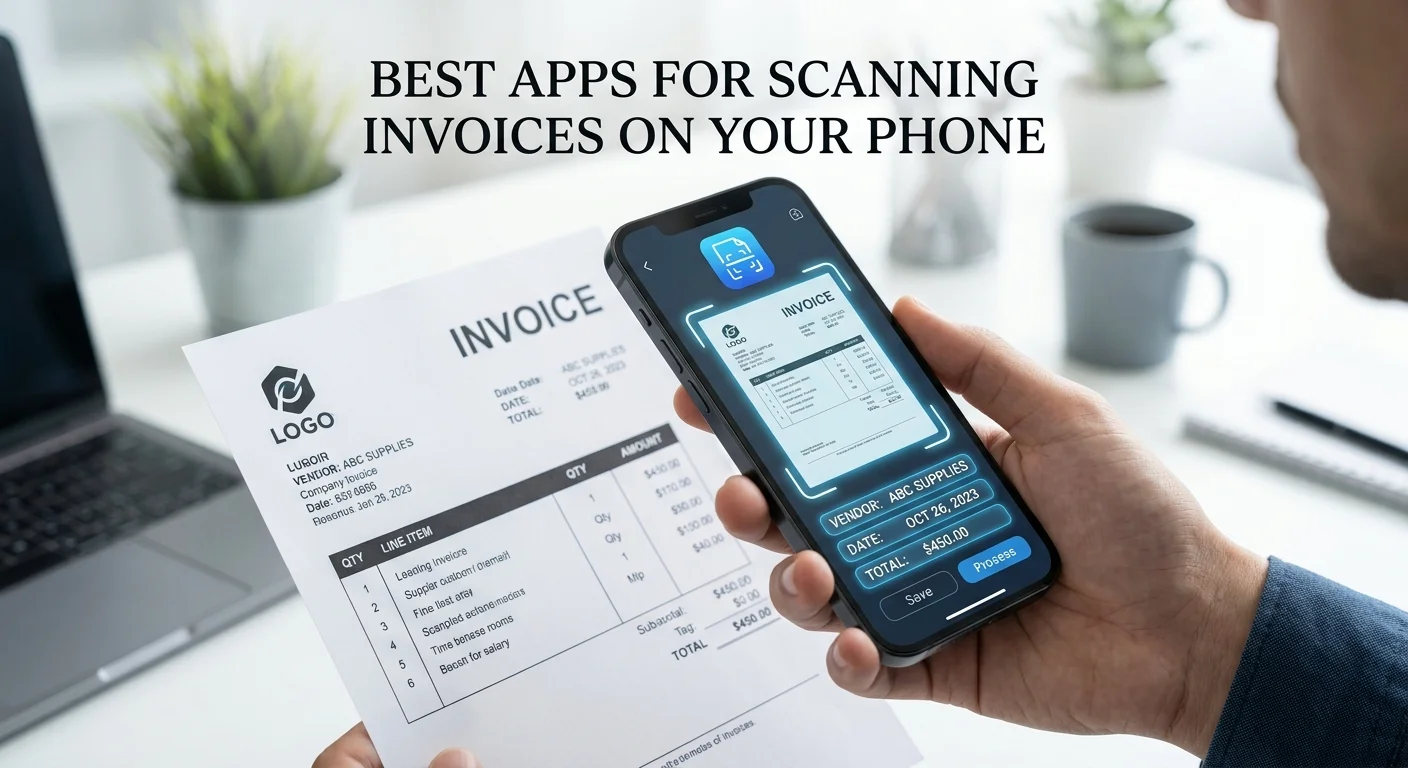
Best Apps for Scanning Invoices – Not every invoice arrives as a clean digital PDF. Supplier invoices handed over at a job site, receipts from a business lunch, paper invoices from small local vendors — these all need capturing on the go, which means your phone is often the most practical scanning device you have.
The good news: modern mobile invoice scanning apps have improved dramatically. The best can now extract vendor name, line items, total, and tax from a phone photo with accuracy approaching dedicated desktop OCR tools — if you take the photo correctly.
This guide covers the five best mobile invoice scanning apps for 2026, tested on real-world documents.
What makes a good mobile invoice scanning app?
Before the list, here’s what separates a strong mobile scanning app from a mediocre one:
Extraction accuracy on phone photos. Phone photos introduce challenges desktop scanners don’t: perspective distortion, uneven lighting, slight blur. A good app corrects for these before running OCR.
Line-item extraction. Many apps can grab the total from a receipt but can’t break out individual line items. If you need line-level data for cost coding, this matters.
Sync to accounting software. The best apps push extracted data directly to QuickBooks, Xero, or your ERP. Apps that only export CSV leave you with a copy-paste step.
Ease of capture. How many taps to get from invoice in hand to data in your accounting software? The best apps get this down to 3–4 steps.
1. Dext Prepare (formerly Receipt Bank) — best overall for mobile capture
Dext Prepare’s mobile app is the most polished invoice and receipt capture experience for business use. Open the app, point at an invoice, tap the shutter — it automatically detects the document edges, applies perspective correction, and uploads for processing.
Extracted fields typically appear within 30–60 seconds and sync directly to QuickBooks or Xero with the right categorisation.
What it does well:
- Automatic document detection (no manual cropping needed)
- Consistently strong accuracy on standard business receipts and invoices
- Direct sync to major accounting software
- Email forwarding — forward a PDF invoice to your Dext inbox and it’s processed the same way as a photo
- Good at handling slightly overexposed or shadowed photos
Limitations:
- No permanent free tier — free trial only, then a paid subscription
- Accuracy drops on very unusual invoice layouts or heavily handwritten documents
Best for: Freelancers and small business owners who regularly capture paper invoices and want them to go straight to their bookkeeper or accounting software with no manual entry.
Platform: iOS and Android Pricing: Free trial, then from ~$20/month
2. Veryfi — best mobile accuracy for developers and power users
Veryfi’s mobile app reflects its API-first roots: it’s built for accuracy above all else. In our testing, it consistently outperformed other apps on difficult documents — faded receipts, restaurant bills with handwritten totals, invoices with unusual fonts.
What it does well:
- Highest mobile accuracy in our tests (95%+ even on difficult documents)
- Fastest extraction (under 10 seconds for most documents)
- Strong line-item extraction including on complex multi-line receipts
- GPS and time-stamping of captures (useful for mileage and expense policies)
Limitations:
- The app’s interface is more functional than polished — it’s built for people who care about data, not design
- Best results with some initial setup (connecting to your accounting workflow via Zapier or the API)
Best for: Power users who want maximum accuracy and plan to connect extraction results to their own workflow, or developers building a mobile-first expense app.
Platform: iOS and Android Pricing: Free tier available; paid from $0.08/document
3. Microsoft Lens + Excel — best free option for occasional use (Now Retired)
Microsoft Lens (free on iOS and Android) is a document scanning app that, combined with Microsoft Excel’s “Insert Data from Picture” feature, lets you scan a table or invoice and have Excel attempt to import the data.
It’s not purpose-built for invoice OCR — it won’t automatically identify vendor fields or sync to your accounting software — but for someone who only needs to capture an invoice occasionally and already uses Microsoft 365, it’s a zero-cost option.
What it does well:
- Completely free
- Good document scanning with perspective correction and auto-crop
- The Excel integration can extract simple tables reasonably well
- Works well for making scanned documents searchable
Limitations:
- No invoice-specific field extraction (vendor, invoice number, line items)
- No accounting software integration
- You’ll still be doing manual data entry, just from a better-quality scan
- Not suitable for regular, high-volume invoice processing
Best for: Someone processing 1–5 invoices a month who just wants a cleaner scan and already has Microsoft 365.
Platform: iOS and Android Pricing: Free (Microsoft 365 subscription required for Excel integration)
4. Zoho Expense — best for businesses already on Zoho
If your business uses Zoho Books or Zoho CRM, Zoho Expense’s mobile app gives you receipt and invoice capture that flows directly into the Zoho ecosystem without any third-party connector.
What it does well:
- Seamless integration with Zoho Books, Zoho CRM, and Zoho People
- Automatic mileage tracking in addition to receipt capture
- Multi-currency support — useful if you deal with international suppliers
- Reasonable accuracy on standard receipts and invoices
Limitations:
- Not the right choice if you don’t use Zoho’s other products — the QuickBooks and Xero integrations exist but aren’t as smooth as Dext or Veryfi
- Accuracy on complex multi-line invoices is below Dext and Veryfi
Best for: Businesses already in the Zoho ecosystem who want expense capture to stay within the same platform.
Platform: iOS and Android Pricing: Free plan available; paid from ~$5/user/month
5. Hubdoc — best for Xero and QuickBooks Online users
Hubdoc (now owned by Xero) is built specifically as a document collection and capture tool that feeds into Xero and QuickBooks Online. The mobile app handles invoice and receipt capture; the desktop side handles email-forwarded documents, bank statements, and supplier invoices fetched automatically from supplier portals.
What it does well:
- Included free with Xero subscriptions (significant value if you’re already a Xero customer)
- Good integration with both Xero and QuickBooks Online
- Fetches documents automatically from connected supplier accounts (not just mobile capture)
- Solid extraction accuracy for standard business receipts
Limitations:
- Mobile app is less polished than Dext Prepare for on-the-go capture
- Doesn’t work well outside the Xero/QBO ecosystem
- Line-item extraction is weaker than Veryfi or Dext
Best for: Xero customers who want document capture included without paying for another tool.
Platform: iOS and Android Pricing: Included with Xero subscriptions; standalone pricing ~$12/month
Tips for better mobile invoice scanning accuracy
Regardless of which app you use, photo quality has a bigger impact on accuracy than the app itself. Follow these tips for consistently clean captures:
Lighting: Natural light or overhead office lighting works best. Avoid capturing invoices with a single light source casting strong shadows across the document. Never use your camera flash directly on a glossy invoice — it creates a glare patch that OCR can’t read through.
Angle: Hold the phone directly above the invoice (as close to parallel to the document surface as possible) rather than at an angle. Modern apps handle slight perspective distortion well, but severe angles hurt accuracy.
Distance: Fill the frame with the invoice — leave a small margin around all four edges but don’t zoom out so far that text becomes tiny.
Surface: Lay the invoice on a flat, plain, contrasting surface. A white invoice on a white desk is hard for auto-cropping to detect; put something dark underneath.
Focus: Tap the invoice on your screen to make sure your camera has focused before shooting. A slightly blurry photo causes character-recognition errors even for good OCR engines.
Which app should you choose?
- Best all-round for small businesses: Dext Prepare
- Best accuracy on difficult documents: Veryfi
- Already on Xero: Hubdoc (it’s free with your subscription)
- Already on Zoho: Zoho Expense
- Only a few invoices a month, no budget: Microsoft Lens + manual entry
For desktop and high-volume invoice processing beyond mobile capture, see our best invoice OCR software full comparison.
Related guides
- Best invoice OCR software in 2026 — full desktop and API comparison
- Best free invoice OCR software for small businesses — zero-cost options
- How invoice OCR works — the technology explained
Last updated: 2026. App features and pricing change frequently — verify on the vendor’s site before subscribing.
